


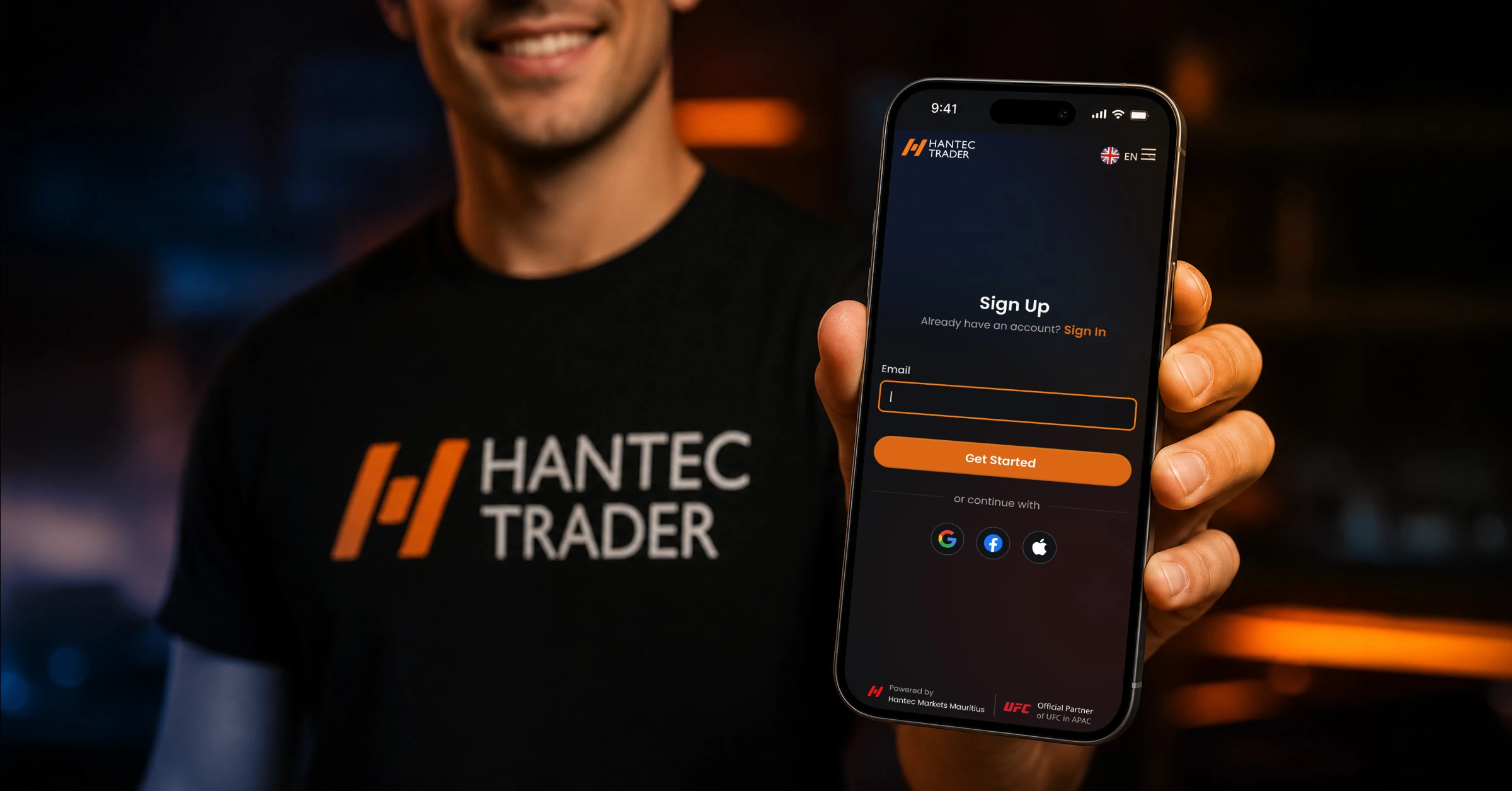
Joining Hantec Trader takes less than 10 minutes to set up. You create an account, choose a challenge that matches your experience and budget, pay the challenge fee, download the trading platform, and start trading. Once you hit your profit target while following the rules, you complete a quick identity check, sign your agreement, and receive your funded account. The whole process is designed to be simple and accessible from anywhere in the world.
Your Complete Roadmap at a Glance
Here is the full journey from visitor to funded trader, laid out as a clear visual path:
STEP 1: Create your Hantec Trader account
STEP 2: Choose your challenge and account size
STEP 3: Complete your purchase.
STEP 4: Log In to Your Trader Dashboard
STEP 5: Download the trading platform
STEP 6: Read your rules before trading
STEP 7: Trade your challenge account
STEP 8: Pass the challenge (receive email confirmation)
STEP 9: Complete KYC (identity verification)
STEP 10: Sign your trader contract
STEP 11: Receive your funded Hantec Trader account
STEP 12: Trade, profit, and request your reward
OPTIONAL Scale up to a larger account, free of charge
Each step is explained in full detail below.
What You Need Before You Start
Before you visit the Hantec Trader website, it helps to have a few things ready:
A valid email address. This is how you receive your account details, Challenge confirmations, and payout notifications.
A payment method. Hantec Trader accepts a wide range of payment options including bank transfer, debit and credit card, cryptocurrency, PayPal, and other local and international methods. Having your preferred method ready speeds up the process.
A government-issued ID. You will need this later for the KYC (identity verification) step. Having it scanned or photographed in advance means no delay when you are ready to claim your funded account.
A device that can run the trading platform. The platform works on Windows, Mac, iOS, and Android. A stable internet connection is important, especially during active trading sessions.
Step 1: Create Your Hantec Trader Account
Go to htrader.hmarkets.com and click the button to get started or select a program. The site will prompt you to register with your email address and set a password.
The registration process is short. You will be asked for basic personal details. No lengthy forms, no upfront financial documentation at this stage.
Once registered, you will have access to the Trader Dashboard, which is the central hub for everything you do at Hantec Trader.
What to watch out for: Use an email address you check regularly. All key communications, including challenge confirmations, stage completions, and payout updates, come through email.
Step 2: Choose Your Challenge
Once your account is created, you choose which program you want to start with. This is one of the most important decisions in the process, so it is worth taking a few minutes to think about it.
Hantec Trader offers six programs:
| Program | Stages | Profit Target | Max Daily Loss | Max Total Loss | Starts From |
| Express Challenge | 1 | 10% | 5% | 6% | $39 |
| Enhanced Challenge | 2 | Step 1 : 10% Step 2 : 5% |
5% | 10% | $59 |
| EnhancedX Challenge | 2 | varies | 5% | 8% | varies |
| Endurance Challenge | 3 | 6% per stage | 4% | 8% | $29 |
| Instant Funding | 0 | none | 6% | 6% | $43 |
| Instant24 | 1 (24 hrs) | 3% min | 2% | 3% trailing | $13 |
Account sizes range from $2,000 to $200,000 depending on the program. You choose the balance you want to trade with. A larger balance means higher potential profits but also a higher challenge fee.
A simple guide to picking the right one
If you are new and want to take your time, the Endurance Challenge is a good starting point. The profit targets per stage are lower (6%) and the rules give you a little more room. Entry starts at $29.
If you want a clean, single-stage challenge with no time pressure, the Express Challenge is the straightforward choice. One stage, 10% target, no time limit.
If you want the most rigorous structured evaluation, the Enhanced or EnhancedX challenges give you two stages with minimum profitable days built in, which encourages real discipline.
If you have experience and want to start earning immediately, Instant Funding gives you a funded account from day one with no challenge required.
If you want to test your skills in a tight, focused window, the Instant24 starts at just $13.
Step 3: Complete Your Purchase
Once you have chosen your program and account size, you proceed to checkout.
Payment options include:
- Debit and credit card
- Bank transfer
- Cryptocurrency
- PayPal
- Multiple local payment methods depending on your country
The checkout process is straightforward. You will see the program name, account size, price, and any available discount codes. If you have a discount code, apply it at this stage.
After payment is confirmed, you will receive an email with your login credentials and your challenge account details. You can also access everything directly from your Trader Dashboard.
Note on fees: The challenge fee is a one-time payment for access to the evaluation. It is not a deposit. You are not funding a live trading account. You are purchasing access to a simulated trading environment where you can earn rewards based on your performance.
Step 4: Log In to Your Trader Dashboard
Your Trader Dashboard is where you manage your entire Hantec Trader journey. Once you receive your login details, sign in at htrader.hmarkets.com.
Inside the dashboard, you will find:
- Your challenge account credentials (server, login number, password)
- Your current progress against the trading objectives (profit target, drawdown levels, trading days)
- Your transaction and payment history
- Access to request rewards once you are in a funded account
- The option to scale up or request your funded account after passing
Take a few minutes to explore the dashboard before you place any trades. Understanding what you are looking at, especially the live drawdown tracker, will help you make better decisions while trading.
Step 5: Download the Trading Platform
Your Trader Dashboard will contain the platform login details: a server name, a login number, and a password.
The platform is available on:
- Desktop (Windows and Mac) for full-feature trading with advanced charting
- Mobile (iOS and Android) for monitoring and managing trades on the go
To download, follow the instructions provided in your dashboard or welcome email. Once downloaded, open the platform and log in using the credentials from your dashboard. You will see your simulated account with your full starting balance ready to trade.
First-time platform users: If you have never used a professional trading platform before, spend some time familiarising yourself with the interface before placing any live challenge trades. Practice reading charts, setting order sizes, and using stop losses. You want your first challenge to be deliberate, not accidental.
Step 6: Read Your Rules Before Your First Trade
This step is not optional. It is the most important thing you do before you start.
Every program at Hantec Trader has specific rules around:
- Maximum daily loss (the percentage your account cannot drop in one day)
- Maximum total loss (the total percentage your account cannot fall from its starting balance)
- Profit target (what you need to hit to pass)
- Minimum trading days (some programs require a minimum number of days with open trades)
- Trade consistency (no single trade can make up more than 15% of your total profits on applicable programs)
- Leverage (1:50 across all programs)
- Instrument restrictions (news trading is permitted; EA rules vary by program)
Breaking any of these rules, even accidentally, can end your challenge. Most traders who fail do so not because of a bad strategy but because they misunderstood a rule, especially the drawdown calculations.
The rules are available in full on the Hantec Trader rules page and inside your Trader Dashboard.
Step 7: Trade Your Challenge Account
Now you trade.
Your goal is simple: hit your profit target without breaking any of the rules. What happens in between is entirely up to you. Hantec Trader does not tell you what to trade, when to trade, or which strategy to use. You are free to trade forex pairs, metals, indices, commodities, or crypto. You can scalp, swing trade, or hold positions for multiple days (except Instant24).
Practical tips for the challenge phase
Track your drawdown daily. The daily loss limit resets each day. Know exactly where you stand at the start of each session.
Do not chase losses. If you have a bad day, close the platform and come back the next day. Trading to recover losses is the most common reason traders breach their daily limit.
Trade during your best hours. Markets move differently at different times of day. Trade during the sessions you are most familiar with.
Keep position sizes consistent. Varying your trade sizes dramatically is one of the fastest ways to fail the consistency rule. Build steady, repeatable results.
Keep a trading journal. Note what you traded, why you traded it, and what happened. This habit will make you a better trader over time, and it helps you spot patterns in your own decision-making.
Step 8: Pass the Challenge
When you hit your profit target while staying within all the rules, your challenge stage is marked as complete.
For single-stage programs (Express, Instant24), passing means you are ready to move to the funded account phase.
For multi-stage programs (Enhanced, EnhancedX, Endurance), passing Stage 1 means you receive a new Stage 2 challenge account by email. The process repeats until you complete all stages.
You will receive an email confirming your progress at each stage. You can also see your status update in real time inside your Trader Dashboard.
Step 9: Complete Your KYC (Identity Verification)
After passing all challenge stages, you need to complete KYC before you can receive your funded Hantec Trader account.
KYC stands for Know Your Customer. It is a standard identity verification process used across financial services worldwide. It confirms that you are who you say you are and that you are eligible to participate.
What you will need to submit
A government-issued photo ID. This can be a passport, national ID card, or driving licence. It must be valid and clearly readable.
Proof of address. A recent utility bill, bank statement, or similar document showing your name and current address. Most providers ask for documents dated within the last three months.
A selfie or ID match photo. Some KYC systems ask you to take a photo of yourself holding your ID, or to complete a short video verification. This is standard.
How long does KYC take?
KYC processing times vary. In most cases, it is completed within a few hours to a couple of business days. Having clean, clear scans or photos of your documents ready before you submit speeds the process up significantly.
If you are in a country where document translation is required, check the Hantec Trader support page or contact their team directly. Their support is available 24 hours a day, 5 days a week.
Step 10: Sign Your Trader Contract (need to confirm)
Once your KYC is approved, you will be asked to sign your trader agreement. This is a digital document that outlines the terms of your relationship with Hantec Trader, including the reward split arrangement, the rules that continue to apply in your funded account, and payout procedures.
Read it. Do not just click through. The contract is not long and it is written in plain language. Understanding it before you sign means no surprises later.
Step 11: Receive Your Funded Hantec Trader Account
After KYC approval and contract signing, your funded Hantec Trader account is activated. You will receive new login credentials for your live funded account.
This is the account you have been working toward. It holds your full simulated balance, whether that is $10,000, $50,000, $100,000, or wherever you started and scaled to. The rules from your challenge continue to apply, so your trading discipline needs to stay consistent.
Step 12: Trade, Profit, and Request Your Reward
You are now a Hantec Trader funded trader.
Trade your account as you did during the challenge. When your account shows a profit, you can request your reward directly from the Trader Dashboard via the withdrawal option in the left toolbar.
Standard reward cycle: 14 days for Express, Enhanced, and EnhancedX accounts. If you purchase the Weekly Payout add-on, this reduces to every 7 days.
Reward split: 80% to you, 20% to Hantec Trader by default. Upgradeable to 95% with an add-on.
Minimum reward amount: $20 for Express and Enhanced accounts. Check program-specific minimums for others.
24-hour payout guarantee: Once you submit a valid reward request, Hantec Trader commits to processing it within 24 business hours. If they miss that window, they double your reward, up to a maximum of $1,000.
Payouts are made through multiple international payment methods, covering bank transfer, card, cryptocurrency, PayPal, and regional options suited to traders across Africa, Asia, Latin America, and Southeast Asia.
Optional: Scale Up to a Larger Account
After passing your challenge, you are not locked into the account size you purchased. Hantec Trader’s scaling plan lets you attempt the next account tier for free.
For example: if you passed the $25,000 Express Challenge, you can instead attempt the $50,000 Express Challenge at no extra cost. Pass that, and you can take the $50,000 funded account or push again toward $100,000. The ladder goes all the way to $200,000.
This is available on all challenge-based programs (Express, Enhanced, EnhancedX, Endurance). It is not available on Instant programs.
Frequently Asked Questions (FAQ)
How long does the whole process take, from sign-up to first trade?
From account creation to placing your first Challenge trade can take as little as 30 to 60 minutes, depending on how quickly you download the platform and read through the rules. There is no waiting period between payment and account access.
Do I need to be in a specific country to join?
Hantec Trader accepts traders from most countries globally. US residents and citizens cannot participate. Instant programs (Instant Funding, Instant Lite, Instant24) are not available in the UK, Mauritius, Hong Kong, and Singapore. For all other locations, check availability for your specific jurisdiction on the Hantec Trader website.
What if I fail the challenge? Can I try again?
Yes. You can purchase a new challenge at any time. Some programs also offer a reset option, which allows you to restart your challenge at a reduced cost rather than paying the full fee again. Check the specific program terms for reset options.
Can I use Expert Advisors (EAs) or trading bots?
Yes on most programs. EAs are permitted on the Express, Enhanced, EnhancedX, Endurance, and Instant Funding programs. They are not permitted on the Instant24 challenge, where all trading must be done manually.
What do I do if I have a problem during my challenge?
Contact Hantec Trader’s support team. Support is available 24 hours a day, 5 days a week via their website. Response times are designed to be quick given the time-sensitive nature of trading challenges.
Is my personal and payment information secure?
Hantec Trader is built on the infrastructure of Hantec Markets Mauritius, a regulated broker that has been operating since 1990. The KYC process uses industry-standard document verification. Always make sure you are on the official Hantec Trader website before submitting any personal details.
What happens after I request a reward? How do I actually receive the money?
Once your reward request is approved (within 24 business hours), Hantec Trader processes the payment to your chosen method. Transfers typically complete within 1 to 2 business days after approval. Your share is 80% of the profit by default, or up to 95% if you have the add-on.
Final Thought
The path from first-time visitor to funded trader at Hantec Trader is straightforward. There are no hidden steps, no long waiting periods, and no complicated requirements. You choose your challenge, pay a small fee, trade well, pass the evaluation, verify your identity, and start earning.
The only variable is you. How prepared you are, how disciplined your trading is, and how carefully you follow the rules will determine how quickly and how far you go.
Disclaimer: The content of this article is intended for informational purposes only and should not be considered professional advice.